Agent Office
A local dashboard for coding agents. View sessions, reported usage, and requests for input in a pixel-art office.
GitHub repositoryAI & tools / Local proxy
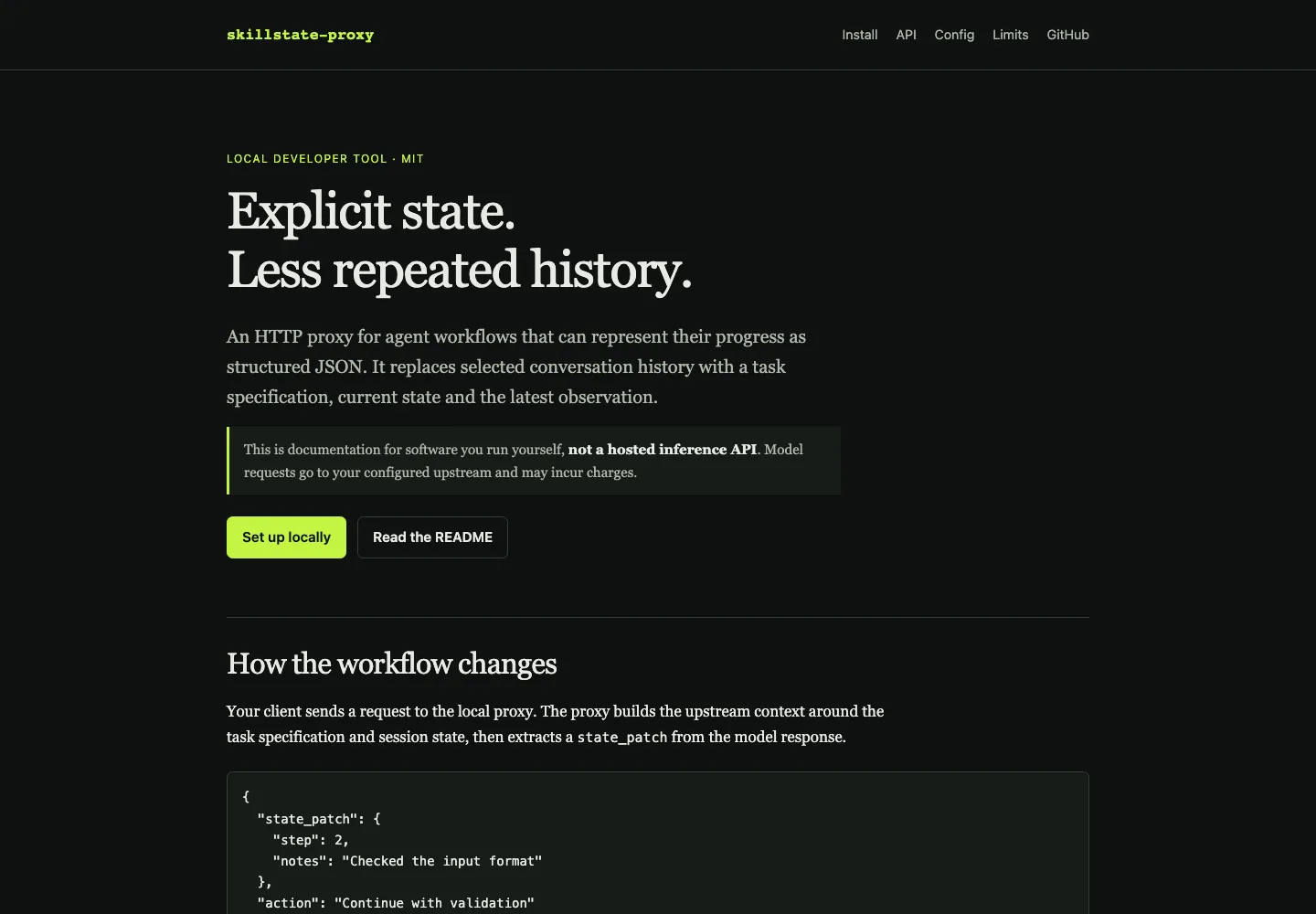
A local HTTP proxy that builds model context from a task specification, structured state, and the latest observation.
NosytLabs/skillstate-proxyPublic repository
Overview
A local HTTP proxy that replaces selected conversation history with structured state. Savings and compatibility depend on the workload; documentation is not a hosted API.
Savings and compatibility depend on the workload, client, and provider. The documentation site is not a hosted inference API.
Published documentation · 2026-10-23
Inside skillstate-proxy
An illustrative example of structured context. This example runs entirely on the page and sends no requests.
The task specification tells the model what to do. The proxy sends it with the retained state and latest observation.
Review a CSV file.
Check its columns, record findings,
then continue with validation.JSON state holds the progress and facts that later steps need. Details left out of state may not be available later.
{
  "step": 1,
  "notes": "Checked the input format",
  "findings": []
}The latest tool result provides new input. The model can return a state_patch, which the proxy merges for the next turn.
Latest observation:
The CSV header contains: date, region, value.

Example response field:
{"state_patch": {"step": 2}}
Example only; no model is connected. Savings depend on the workload, and information omitted from state may be lost.
Getting started
npm install -g skillstate-proxy
skillstate --version
skillstate --help

# After configuring your upstream and key:
skillstate --schema step,notes,findings
The separately maintained npm package skillstate is a different project. This tool is skillstate-proxy. Its upstream requests may incur charges, and retained state is not a lossless transcript.
Configuration and HTTP routesskillstate-proxy on npmBased on the public README, reviewed 23 October 2026. Check the repository for updates.
Keep exploring
Client work
Allow Google Analytics to measure page visits and successful inquiries. Your form text and email address are not included. Privacy details